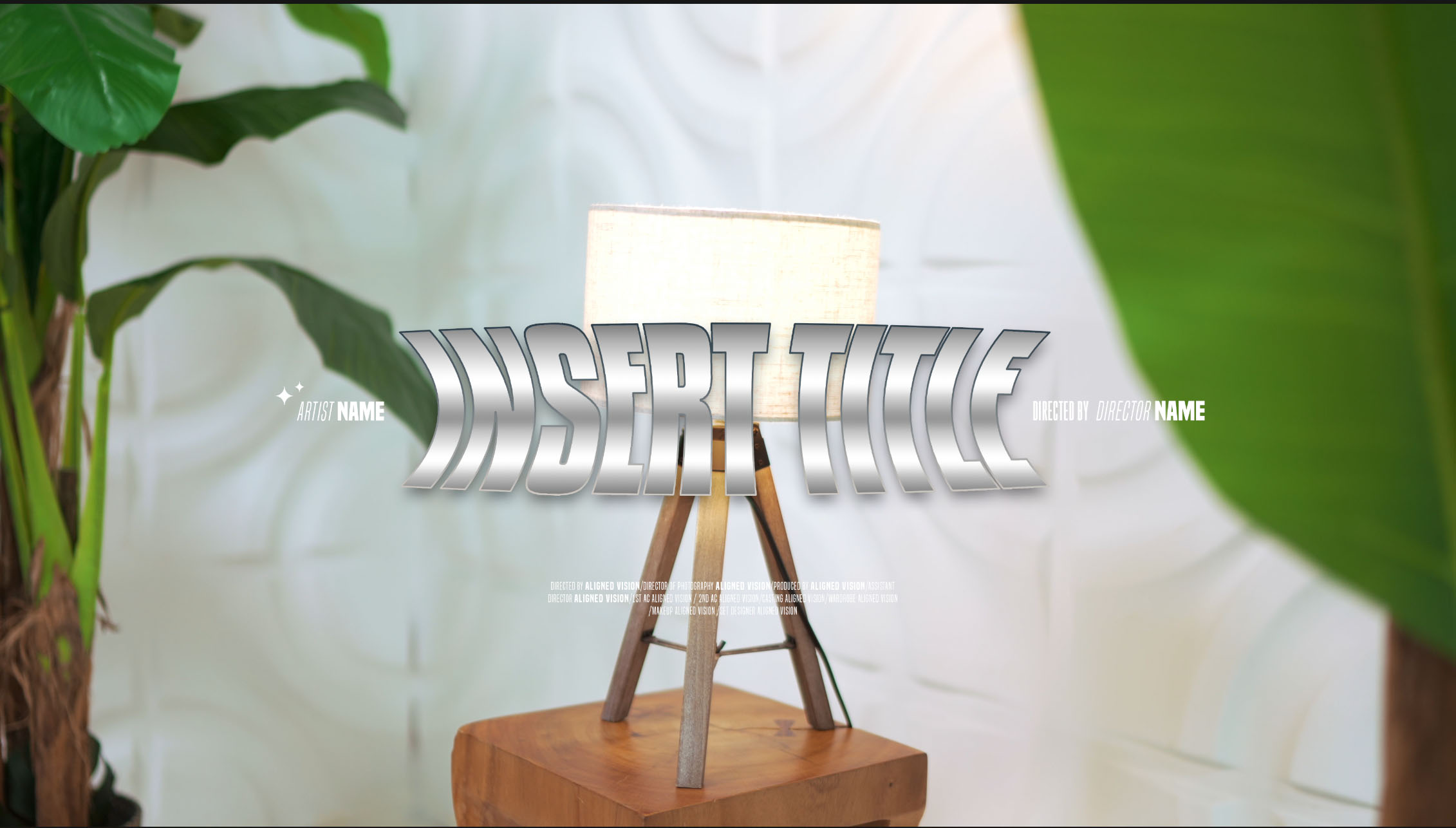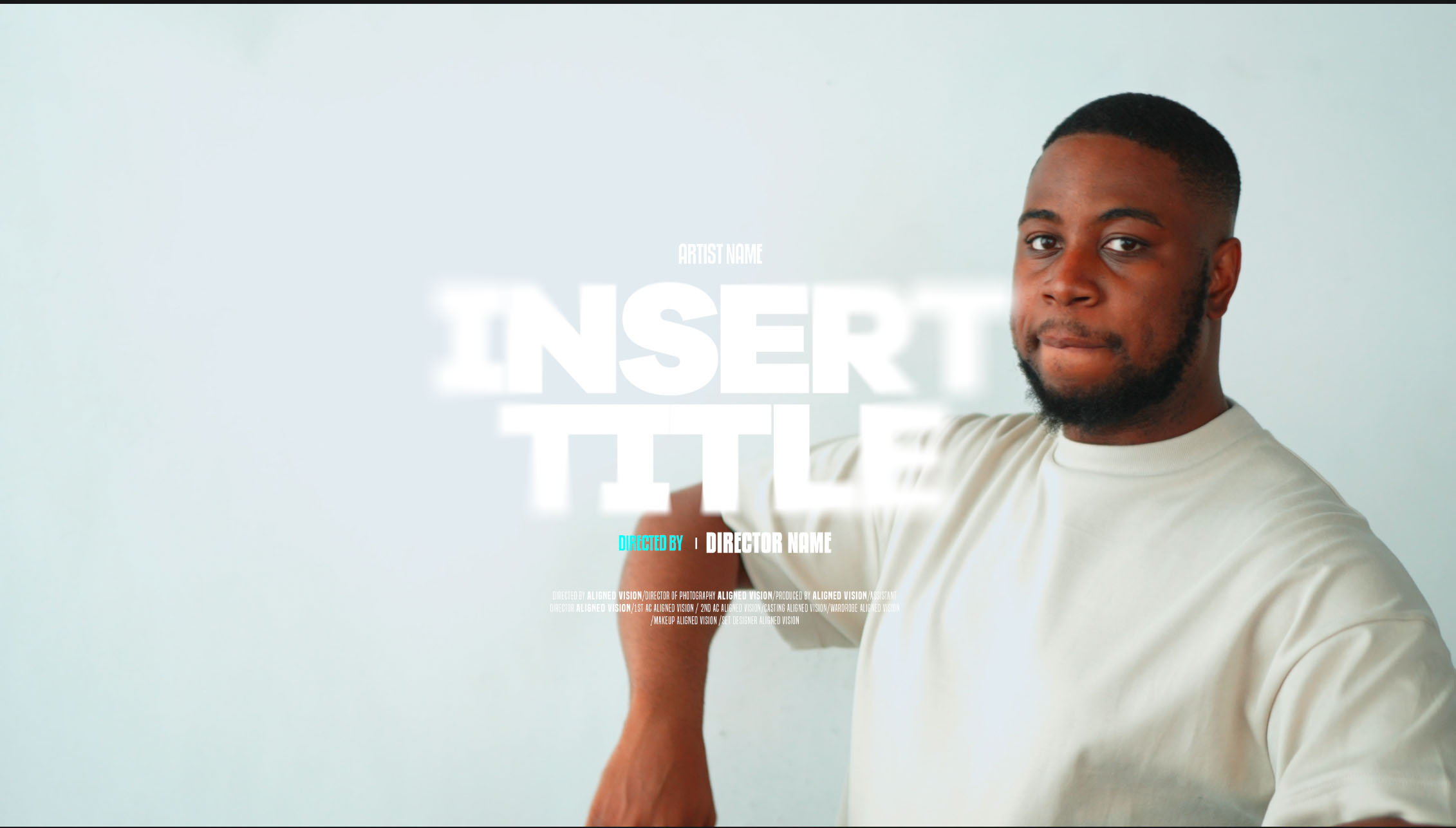

Make the thumbnail in Photoshop at 3840 x 2160 pixels for a video, or 2160 x 3840 for a Short. Place a still from the video and add the artist and song from your title design, then export it as a JPG or PNG. Your YouTube account has to be verified before you can upload a custom thumbnail, so check that well before release day.
YouTube’s thumbnail requirements
YouTube’s help page on custom thumbnails recommends:
- Resolution: 3840 x 2160 pixels for videos and 2160 x 3840 for Shorts. The minimum is 640 pixels wide for videos and 640 pixels high for Shorts.
- Format: an image format such as JPG or PNG.
- File size: up to 50 MB when you upload from a computer. From a phone, the limit for video thumbnails is 2 MB.
- Aspect ratio: 16:9 for videos and 9:16 for Shorts.
The same page also says:
- Custom thumbnails for Shorts can only be added in YouTube Studio on a computer at the moment.
- If a vertical video has a 16:9 custom thumbnail, YouTube replaces it with an automatically generated 4:5 thumbnail on the home, explore and subscription pages.
- There’s a daily limit on how many custom thumbnails a channel can upload.
- Thumbnails must follow YouTube’s Community Guidelines.
Reuse your title design
Use the same lettering and wording on the thumbnail as on the title card and in the YouTube title. Someone who has seen your Coming soon post or the title card can then spot the release straight away. For what to put on the card, see Music video title cards: what to include and where to place them.
Keep the words to a minimum. Thumbnails are often seen at a small size, so the artist and the song title are usually enough. Leave out the credits and the “Directed by” line, which won’t be readable that small.
Build it in Photoshop
- Create the canvas. Make a new document at 3840 x 2160 pixels for a video, or 2160 x 3840 for a Short.
- Add a still. Choose a frame from the video or a behind-the-scenes photo. Bring it in with File > Place Embedded. Adobe’s page on embedded Smart Objects explains that this imports the file as a Smart Object. Scale it to fill the canvas.
- Bring in the title. Edit the title in its template first. Then place the PSD, or a PNG exported from it, onto the thumbnail with Place Embedded.
- Cut it down. Hide the credits and any small lines of text. Make the artist and song as large as the design allows.
- Check it small. Zoom out until the canvas is roughly the size of a thumbnail on a phone. If you can’t read the song title, make it bigger or simplify the background.
- Export. Set JPG or PNG as your Quick Export format in Photoshop’s Export preferences, then choose File > Export > Quick Export as JPG (or PNG), following Adobe’s Quick Export guide. Check the file size against YouTube’s limits. A JPG of a photo is usually smaller than a PNG.
The Care Package designs are high resolution and come as fully editable PSD files, so you can edit the title once and use it on both the video and the thumbnail.
A cover for the Short
If you post a vertical teaser as a Short, design a separate 9:16 thumbnail at 2160 x 3840 pixels. A wide 16:9 layout usually needs rearranging to fit, so stack the artist and song in the middle of the frame. Upload it in YouTube Studio on a computer, because that’s the only place you can add a custom Shorts thumbnail at the moment.
Have it ready before you schedule a Premiere
YouTube’s page on Premieres explains that a public watch page is created when you set one up. You can share the link before the Premiere starts, and people can set reminders, comment and chat there. Premieres also show up in search, on the homepage and in recommendations, just like normal uploads.
That means people can see your thumbnail from the moment you schedule the Premiere. Upload it at the same time as the video. For the rest of release day, read Premiering a music video on YouTube and getting an Official Artist Channel and Uploading a music video to YouTube: 4K or 1080p, and the settings that matter.
Stills and titles for your release
Our Signature music video package includes BTS photography, which gives you more stills to build thumbnails from, and a standard Out Now / Coming soon promo. The Care Package (Vol. 1) is in the AV Store for £9.99, with 10 title templates as editable Photoshop files.
To plan a release, get in touch.