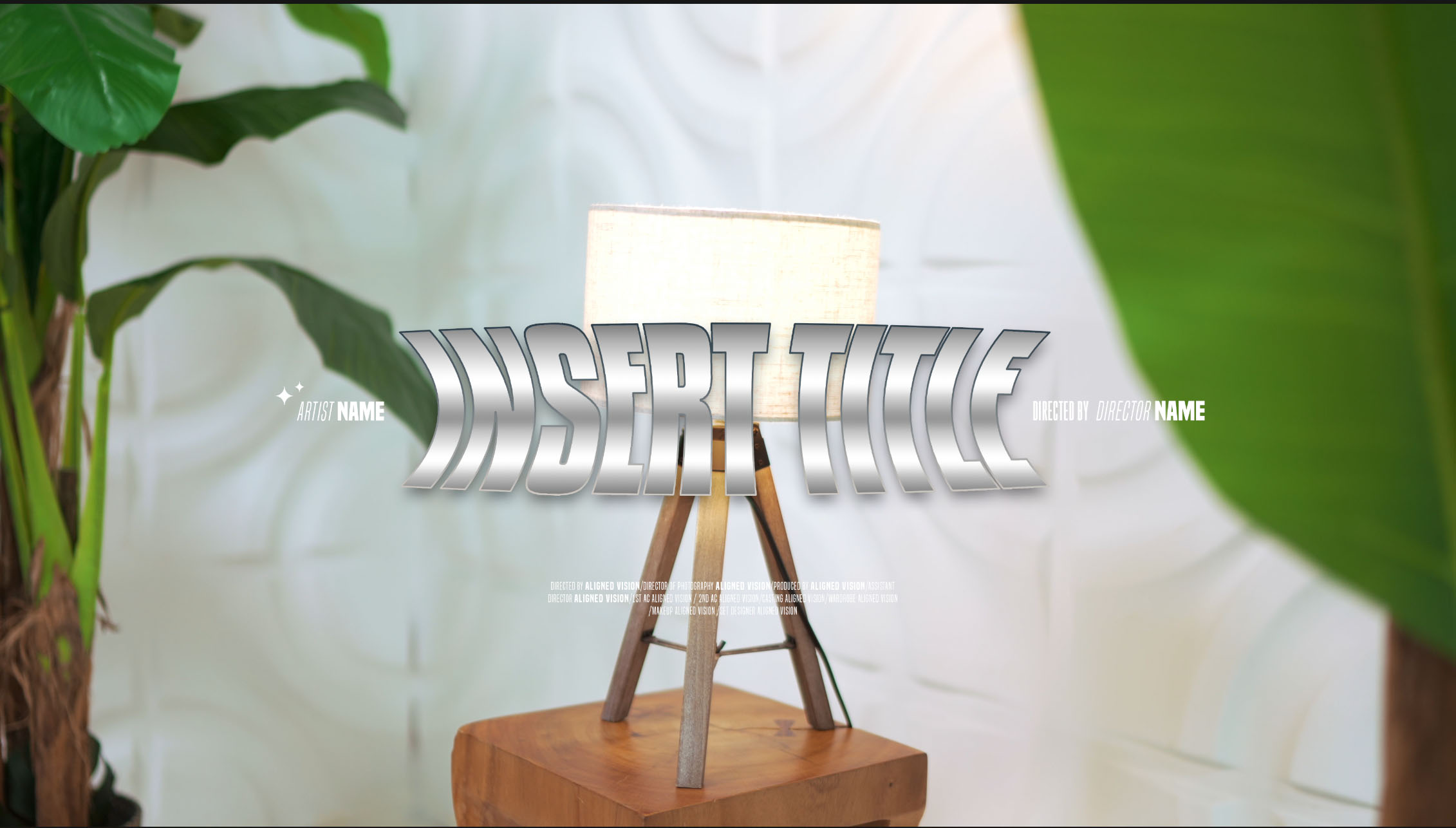
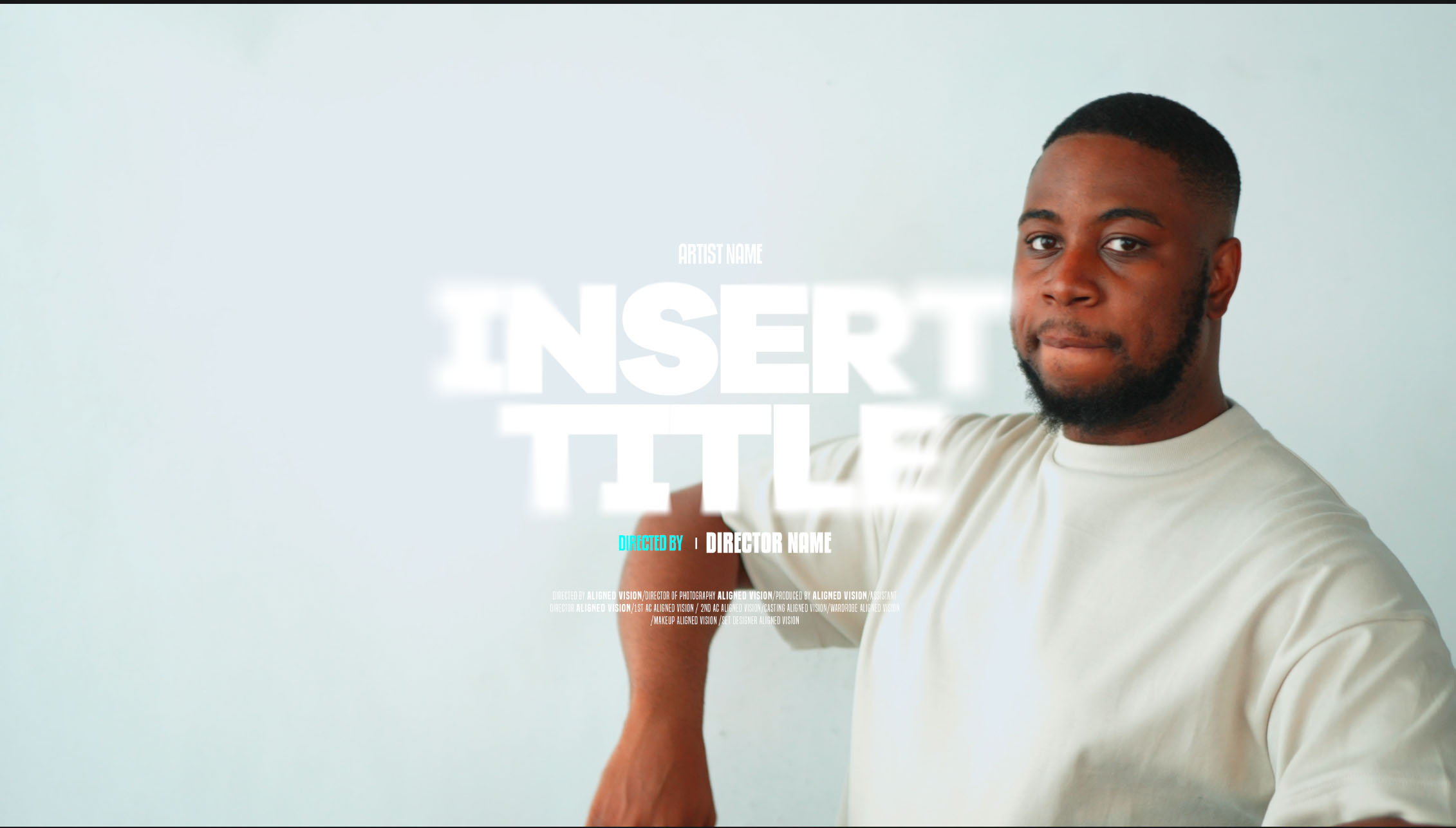
A music video title card usually shows the artist’s name, any featured artist, the song title and a label such as Official Music Video or Official Visualiser. Credits are optional. Use the same wording on the card and the thumbnail as in the YouTube title. Keep the text away from the edges of the frame, and leave it on screen long enough to read.
What to put on the card
- Artist name. Spell it the way the artist writes it, including capitals and accents.
- Featured artists. Our portfolio puts “FEAT.” before a featured artist and an “X” between the names on joint releases, as in JT SUAVÉ X J RETTNA.
- Song title. Check the spelling against the release itself, so the card matches what streaming services show.
- Version label. A label such as Official Music Video, Official Visualiser or Official Lyric Video tells people which version they’re watching. If you’re not sure which one you’re making, read Music video, visualiser or lyric video.
- Credits (optional). Some cards add a “Directed by” line or a small block of crew credits under the title.
The design in the photo above is from The Care Package. It has spaces for the artist name, the song title, a “Directed by” line and a credits block. You can delete any line you don’t need.
If a name has an accent, check that the font you’re using includes that character before you commit to it. Some display fonts only cover basic letters.
Keep the naming the same everywhere
People see the name of your release on the thumbnail, in the YouTube title and on the title card inside the video. Match the wording in all of them.
Our portfolio uses one pattern for every release. The artist line comes first, then the song with its version label in brackets:
- 678NATH FEAT. OZ OR O, then AMBER (OFFICIAL MUSIC VIDEO)
- SI KNIGHTLY FEAT. FEMMIE, then FAITHFUL (OFFICIAL MUSIC VIDEO)
- 678NATH, then BUBBLING (OFFICIAL VISUALISER)
Write your pattern down before the edit starts and share it with everyone working on the release, including whoever makes the thumbnail and whoever uploads the video. Agree small details too, such as “feat.” or “ft.” and where the brackets go.
Where to place it
- Away from the edges. Leave a margin around the text. Text close to the edge can be covered by player controls or cut off on some screens.
- Over a calm part of the frame. Put the card over a plain wall, the sky or a dark area, and keep it off faces where you can. In the photo above, most of the title sits on the plain wall beside the artist.
- In the vertical crop too. If you’ll also post a 9:16 version for Reels, Shorts or TikTok, cropping a 16:9 frame to vertical cuts off the sides, along with the ends of a wide title. Check how the card crops, and make a separate vertical layout if words are lost.
Make it easy to read
- Contrast. Use light text on dark footage, or dark text on light footage. If the background is busy, add a soft shadow or darken the footage behind the text.
- Size. Check the card on a phone screen as well as your editing monitor. If the credits are hard to read on the phone, make them bigger or cut them down.
- Time on screen. Leave the card up long enough to read every line at a normal pace. A card with credits needs longer than one with just the artist and song.
- Spelling. Adobe’s page on editing text in Photoshop notes that Edit > Check Spelling doesn’t check hidden or locked layers, so show and unlock the text layers before you run it. Read names letter by letter as well, because a spell checker won’t know them.
Check the font licence
Fonts come with their own licences. Adobe’s font licensing FAQ says fonts from Adobe Fonts can be used to produce film or video content, including video distributed online through services such as YouTube or Vimeo. Fonts you install from elsewhere are covered by their own end-user licences. We go through this in Fonts and template licences for client work.
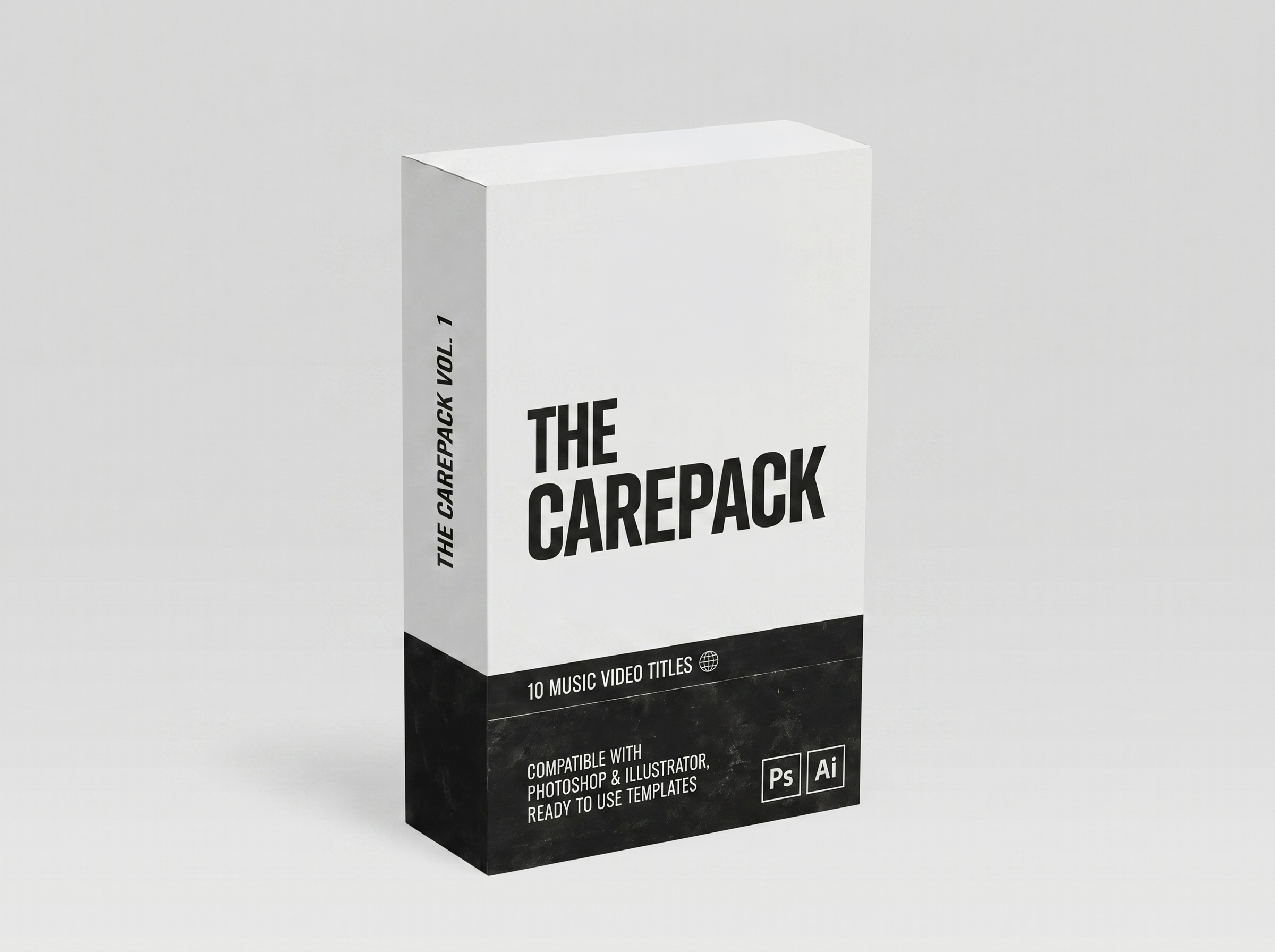
A ready-made option: The Care Package
The Care Package (Vol. 1) in the AV Store costs £9.99. It contains 10 professionally designed title templates, supplied as fully editable Photoshop (.PSD) files with easy-to-customise text and colours. The designs are high resolution and made for music videos, lyric videos, promos and social content.
For step-by-step help with the files, see How to edit a PSD title template in Photoshop.
Use the same design for the promo
Reuse the title design on your Coming soon and Out Now posts, and on the thumbnail, so the whole release looks consistent. Our Signature music video package at £750 includes a standard Out Now / Coming soon promo, along with 10 social media reels.
Planning a release? Get in touch to talk through the video and its titles.