
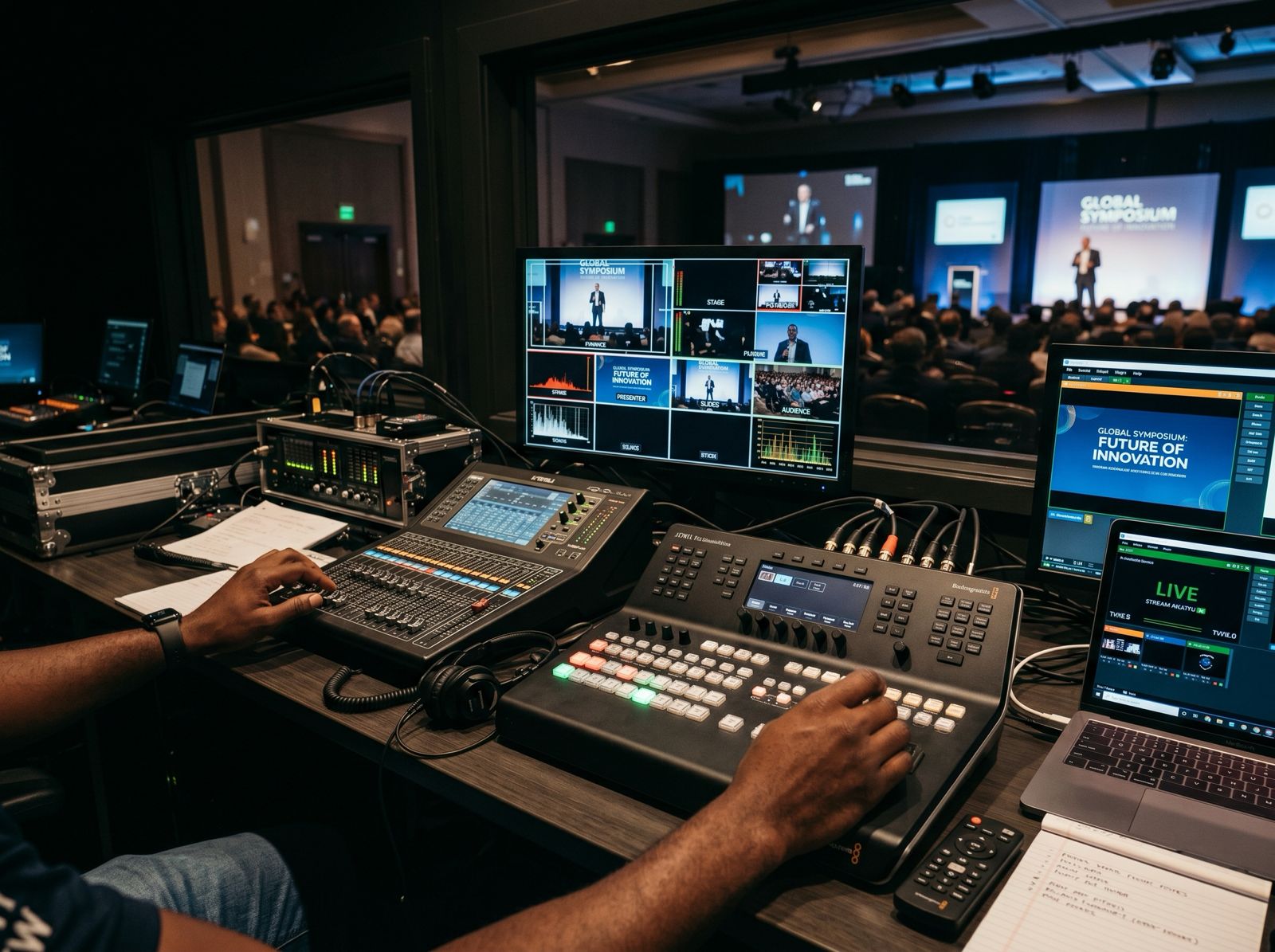
You can send one church service to YouTube, Facebook and TikTok at the same time, but each platform has its own rules before you can go live. YouTube needs a verified channel. TikTok needs an account holder aged 18 or over with 1,000 followers. Check each account a week or two before the first stream, then send a single feed from an encoder to all of them.
YouTube
YouTube’s live streaming help page lists the basic requirements. You need to verify your channel, have had no live streaming restrictions in the past 90 days, and be at least 16.
YouTube’s encoder guide says enabling live streaming for the first time may take up to 24 hours. Once it’s enabled, you can go live straight away. Don’t leave the first set-up until Sunday morning.
Phone or encoder
Going live from the YouTube app on a phone has extra limits. Mobile live streaming needs at least 50 subscribers. For channels with fewer than 1,000 subscribers, YouTube may limit the number of people who can watch a mobile stream, and the archived stream is set to private by default. Those limits apply to mobile streams, which is one reason for a church with a smaller channel to use an encoder.
An encoder is software on a computer, or a standalone hardware unit, that sends your cameras and sound to the platform. The encoder guide gives these steps for a scheduled stream:
- In YouTube Studio, select Create, then Go live, to open the Live Control Room.
- Open the Manage tab and choose Schedule stream to set up the service in advance.
- Copy the stream URL into the server field of the encoder’s stream settings, and the stream key into the stream key field. If your encoder offers YouTube as an option, you can select that instead.
- Start the stream from the encoder. When the preview appears in the Live Control Room, click Go live.
When you schedule a stream, YouTube lets you reuse the settings from a previous one, so you may not need to change the encoder each week. YouTube also archives streams under 12 hours automatically. Keep the stream key private and decide who in the church has access to it.
Facebook Live also takes a feed from an encoder or streaming service. One limit is worth knowing for long events. Meta’s Live Video API documentation says a stream URL must be used within 24 hours before it expires. Once used, it can be streamed to for up to 8 hours.
This applies when your streaming software or service creates the Facebook broadcast for you. It has two practical effects. A stream URL set up several days before the service will have expired by the time you need it. And a conference day that runs longer than 8 hours needs separate broadcasts, for example one for the daytime sessions and one for the evening.
TikTok
TikTok’s help page on TikTok LIVE says you must be at least 18 years old and have 1,000 followers to go live. It notes that the follower figure may vary by region.
If your church account has fewer than 1,000 followers, leave TikTok off the list for now and post clips from the service there instead.
Sending one feed to several platforms
Multi-destination streaming means one production goes out to several platforms at once. Each platform still needs its own account checks and its own stream key.
Our help centre lists the destinations Aligned Vision can stream to at the same time: YouTube, Instagram Live, Facebook Live, TikTok Live, Twitch, LinkedIn and custom RTMP destinations. Multi-platform streams run through dedicated broadcast hardware and software. Quality is up to 1080p 60fps, depending on platform limits and the connection.
The live streaming packages differ on this point:
- Essential streaming, £500: stream to 1 platform, such as YouTube or Facebook. Includes 1 camera operator, up to 2 camera angles and up to 3 hours of coverage.
- Professional streaming, £1000: multi-platform streaming, depending on the internet connection. Includes 2 camera operators, up to 4 camera angles and up to 6 hours of coverage.
- Broadcast Stream, £3000: multi-platform streaming, up to 8 camera angles including roaming, full event recording and up to 12 hours of coverage.
If you only stream a Sunday service to YouTube, a single platform is enough. If you want the same conference on YouTube and Facebook, you need a package with multi-platform streaming.
Before the first stream
- Verify the YouTube channel and enable live streaming at least a day ahead.
- Check the TikTok account meets the age and follower rules.
- Schedule the YouTube stream and write the description, with your licence numbers.
- Agree who holds the stream keys for each platform.
- For long events, plan where each Facebook broadcast starts and stops.
- Run a test stream before the day.
Music is the other common problem, because platforms may still flag worship songs when your church is licensed. Our posts on YouTube copyright warnings and the CCLI Streaming Licence cover what to do. For cameras, sound and internet, see what you need to live stream a church service.
Add chapters to the saved service
After the service, add chapters to the YouTube recording so people can jump to the sermon or a particular song. YouTube’s chapters guidance says to list timestamps in the description. The first must be 00:00, you need at least three in ascending order, and each chapter must be at least 10 seconds long. For example:
00:00 Welcome
04:30 Worship
32:15 Sermon
1:10:00 Prayer and close
If you’d like Aligned Vision to run the stream, contact us with your platforms, dates and running order.
-Snapshot-5-Jun-2026-at-14-08-02-Untitled-MPEG-4_poster.0000000.jpg)