-Snapshot-5-Jun-2026-at-14-08-02-Untitled-MPEG-4_poster.0000000.jpg)
A good church live stream needs enough camera angles to follow the service, someone switching between them, clean sound from your desk, graphics, a reliable internet connection and a crew for the whole service. Aligned Vision’s live streaming packages cover these at three levels: Essential at £500, Professional at £1000 and Broadcast at £3000. Here is what each part does and what each package includes.
Cameras and angles
Each extra angle gives viewers a different view of the service. A wide shot shows the whole platform. A closer shot follows the preacher. Others can show the worship team or the congregation.
- Essential: 1 camera operator and up to 2 camera angles.
- Professional: 2 camera operators and up to 4 camera angles.
- Broadcast: a production director plus 3 to 5 crew, and up to 8 camera angles, including roaming cameras.
Two angles suit a straightforward Sunday service with a wide shot and a close-up of the speaker. Four give you room for the band and the congregation as well. A roaming camera can move through the room during worship or a baptism, which a fixed camera can’t do.
Switching between cameras
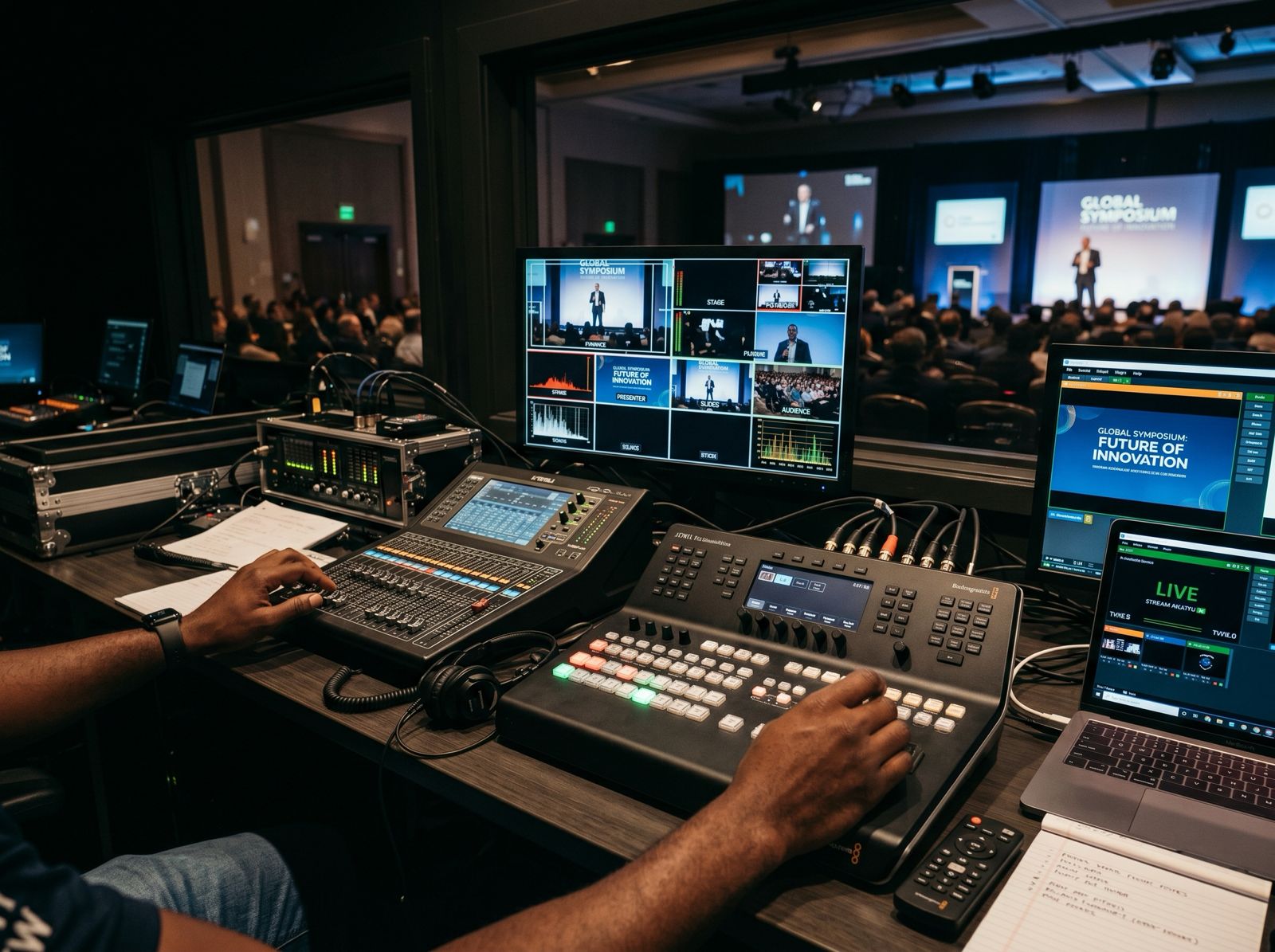
Switching, sometimes called vision mixing, means choosing which camera viewers see at each moment.
- Essential: live switching.
- Professional: dedicated live vision mixing.
- Broadcast: advanced live switching and shot direction.
On a bigger production, the director calls the shots for the camera operators, so the right person is on screen when the preacher changes position or the worship leader steps forward.
Audio
Plan the audio as carefully as the cameras.
The Essential package takes a direct audio feed from the venue, which usually means a feed from your sound desk.
Talk to your sound team before the day. The mix that works in the room may need a different balance for the stream, especially between the band and the vocals.
Graphics, slides and lyrics
Graphics help online viewers follow the service, for example with a speaker’s name or a Bible reference.
- Essential: basic event graphics, provided by you.
- Professional: branded lower-thirds and graphics, plus slides and media integration.
- Broadcast: a custom branded graphics package.
If you want lyrics on screen, check your licences first. CCLI’s streaming page says a church with its Streaming Licence can show song lyrics in the stream. Our post on the CCLI Streaming Licence explains which licences a church needs.
Internet connection
A live stream depends on a steady upload connection. We stream at up to 1080p and 60 frames per second, subject to platform limits and connection quality.
The packages differ on destinations:
- Essential: one platform, such as YouTube or Facebook.
- Professional: multi-platform streaming, depending on the internet connection.
- Broadcast: multi-platform streaming.
Each platform has its own rules before you can go live. Our post on streaming to YouTube, Facebook and TikTok at once goes through them.
Encoder settings
If your own volunteers stream on other weeks, YouTube’s live encoder settings page is the reference to follow. The main points:
- Keyframe frequency: 2 seconds is recommended, and it shouldn’t go above 4 seconds.
- Bitrate encoding: constant bitrate (CBR).
- Video bitrate with H.264: YouTube recommends 14 Mbps for 1080p at 30 fps, with a minimum of 5 Mbps, and 17 Mbps for 1080p at 60 fps, with a minimum of 6 Mbps. For 720p at 30 fps, it recommends 8 Mbps.
- Audio: AAC or MP3. For stereo, YouTube recommends 128 kbps at 44.1 kHz.
YouTube also recommends running a speed test to check your upload bitrate, and testing before you go live with sound and movement similar to the real service.
Coverage time and recordings
Each package has a maximum coverage time:
- Essential: up to 3 hours.
- Professional: up to 6 hours.
- Broadcast: up to 12 hours, with a full recording of the event and a short highlight edit of 2 to 3 minutes.
If you want a recording to edit later, or a highlight video for social media, Broadcast is the package that includes both. Our conference filming checklist helps with longer events.
Which package fits which service?
The live streaming page lists the Essential package for church services, small gatherings, podcasts and internal events. It lists Professional for conferences, worship nights, mid-size events and concerts. Broadcast is described as full production-grade streaming for high-impact, public-facing broadcasts.
When to book
Our help centre recommends booking at least 2 to 4 weeks ahead, to leave time for planning, a technical walkthrough and equipment preparation. For large events such as festivals or award shows, 6 to 8 weeks is preferred.
After you contact us, a discovery call covers scope, dates and creative direction. A quote and contract follow within 48 hours, and a deposit secures the date. To check a date for your church, contact us.