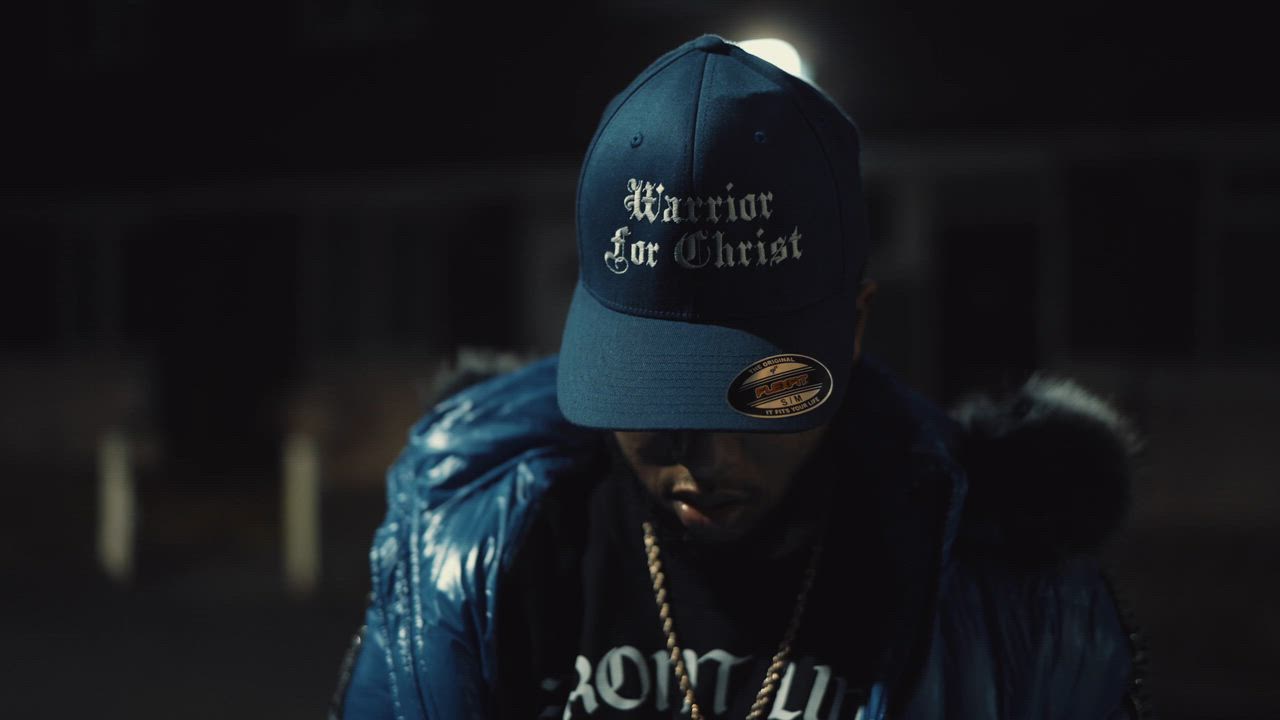
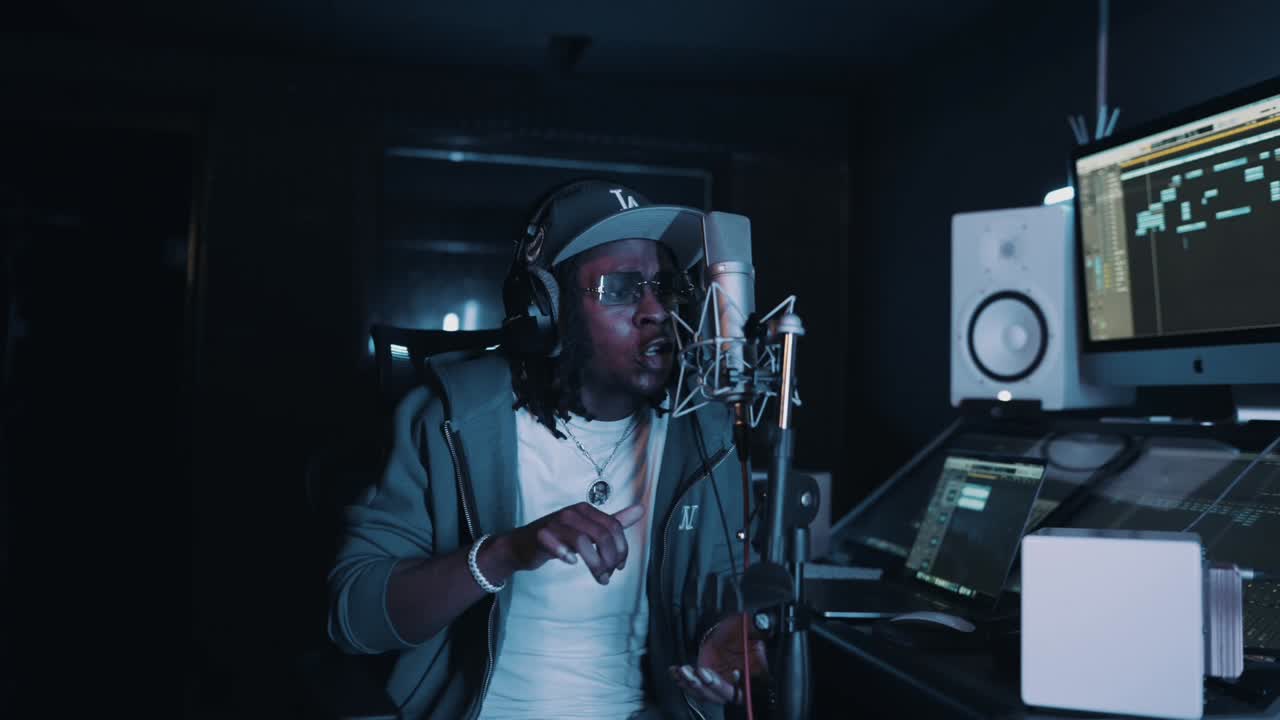
Yes. A music video needs its own ISRC, separate from the code on the audio, even when the same track plays in it. IFPI’s ISRC guidance says a music video is a different recording from the sound recording, so a separate ISRC must be assigned to the video (IFPI).
In the UK, you get ISRCs through PPL. The rest of this guide explains what the code is, when you need more than one and how it is built.
What an ISRC identifies
ISRC stands for International Standard Recording Code. It lets sound recordings and music videos be identified uniquely and permanently (IFPI). Each code is 12 characters long.
An ISRC identifies a specific recording. It doesn’t identify the song as a composition, a product such as an album, or a performer.
Why the video needs its own code
The audio of your single is one recording. The music video is another, because it is a video recording, even though the same audio runs through it. Each one gets its own ISRC.
Different versions need different codes
IFPI says different versions of a music video need different ISRCs. Two music video recordings count as different if their video content or their sound content is different.
That matters if you release more than one video for a song. A visualiser, a lyric video and an official music video each have different video content, so each needs its own code. The same goes for a second cut of a video with different audio, such as a radio edit. Music video, visualiser or lyric video explains when each format suits a release.
How UK artists get ISRCs
PPL is the appointed sole agency for ISRCs in the UK (PPL). According to PPL’s guidance on getting an ISRC:
- If you are joining PPL as a recording rightsholder, request your ISRC as part of that process.
- If you are not a member and only need an ISRC, register online and choose the “ISRC only” option.
- If you are already a PPL recording rightsholder member, raise an ISRC query through your myPPL account.
- If you are based outside the UK, request your ISRC from your own country’s music licensing body.
PPL allocates the code that identifies you as a rightsholder. You then number your own recordings from it.
How an ISRC is built
An ISRC has 12 letters and numbers in three parts (IFPI):
- The prefix. Two letters followed by three letters or numbers, allocated by the ISRC agency. PPL calls this part the stem, and says the three letters and numbers it allocates are specific to you as the rightsholder (PPL).
- The year of reference. The last two digits of the year the code is assigned. That can be a different year from when the recording was made.
- The designation code. Five digits that you, as the rightsholder, assign from your authorised range. IFPI says these numbers must not be repeated in the same calendar year.
IFPI’s example is ISRC AA-6QZ-20-00047. Here AA6QZ is the prefix, 20 is the year of reference and 00047 is the designation code.
Keep a simple record of every code you assign, with the song, the version and the date. It stops two recordings ending up with the same number.
Registering your music videos
If you own the rights in music videos, or are the exclusive licensee, you can register them with PPL as well. When you register a music video, your membership is technically with PPL’s sister company, VPL. The two share a building and management, and PPL’s member services team can help with music video questions.
For royalty registration more widely, PRS and PPL for gospel artists covers what to register before a release.
Before release day
Sort out your codes before you upload anything:
- Ask your distributor whether it issues ISRCs, and whether it will issue one for the video or expects you to supply it.
- Give each video version its own code.
- Keep the ISRC with the final file and your release notes, so the right code goes with the right upload.
If you are premiering the video on YouTube, premiering a music video and getting an Official Artist Channel covers the set-up.
Where Aligned Vision fits
Aligned Vision makes the video itself, from concept to the final grade. Standard delivery is an H.264 MP4 in 1080p or 4K, ready for YouTube, Apple Music, Tidal and social platforms, and ProRes master files are available on request. See the music videos page for the Signature package.
To plan a video for your next release, get in touch.